Traveling is one of the most enriching experiences, allowing you to explore new cultures, meet new people, and create unforgettable memories. However, securing your digital presence is crucial as you venture into the world. With cyber threats on the rise, travelers are increasingly becoming targets for hackers and scammers who prey on unprotected devices and personal information.
Here are some essential digital tips to help you stay safe online while traveling.
Table of Contents – Digital Safety Tips for Travelers
1. Secure Your Device Before You Travel
Before you even leave for your trip, securing your devices is important. Laptops, smartphones, and tablets are prime targets for cybercriminals, especially when connected to public Wi-Fi networks.
Update Your Software
Ensure that your device’s operating systems, apps, and antivirus for Windows are up-to-date. These updates often include security patches that protect against the latest threats.
Enable Device Encryption
Device encryption protects your data if your device is lost or stolen. It makes it nearly impossible for someone to access your information without the correct password.
Set Strong Passwords
Use strong, unique passwords for all your devices. Avoid using easily guessable information like birthdays or simple sequences. Consider using a password manager to generate and store complex passwords securely.
Enable Two-Factor Authentication (2FA)
Whenever possible, enable 2FA on your accounts. This adds an extra layer of security by requiring a second form of verification, such as a code sent to your phone, in addition to your password.
2. Be Cautious with Public Wi-Fi
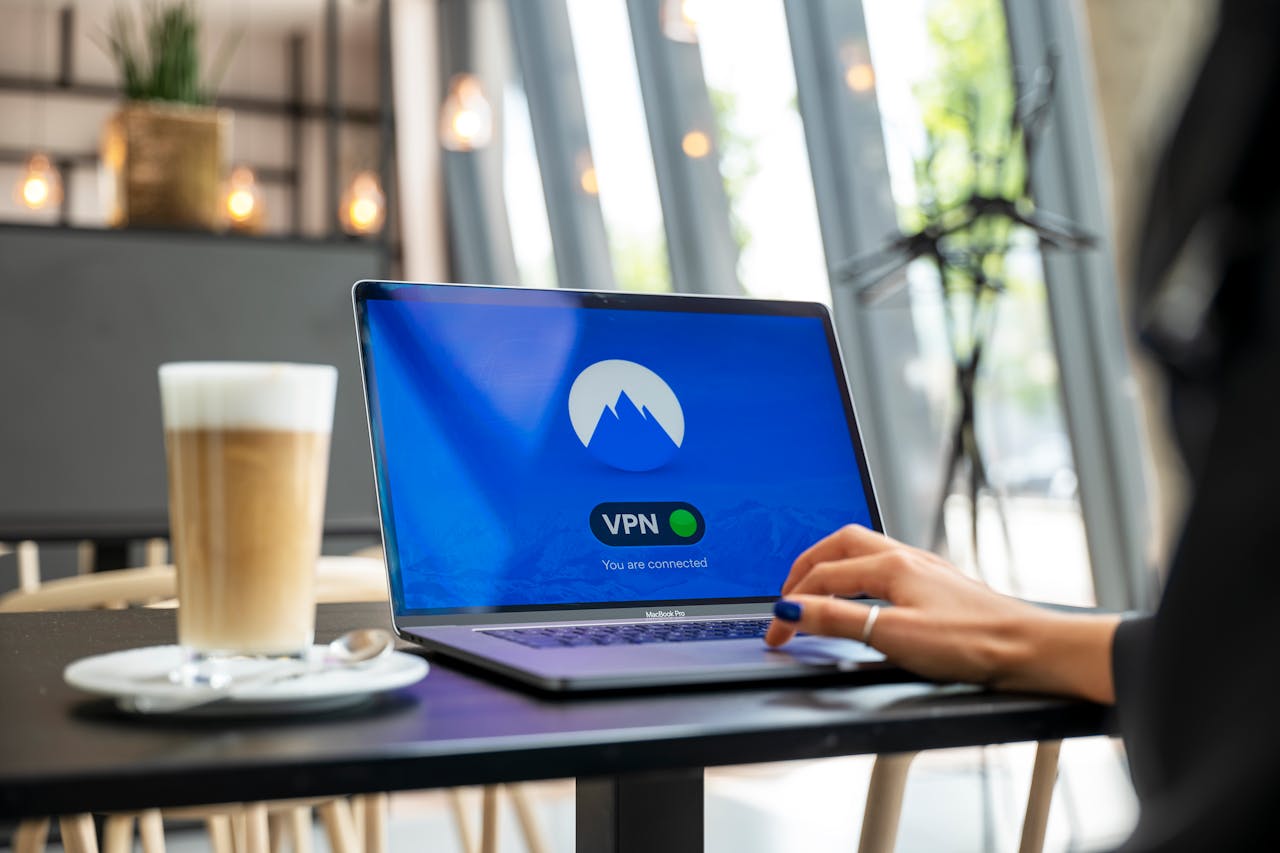
Public Wi-Fi networks, such as airports, hotels, and cafes, are notoriously insecure. Cybercriminals often use these networks to intercept data, potentially gaining access to your personal information.
Use a VPN
A Virtual Private Network (VPN) encrypts your internet connection, making it much harder for hackers to intercept your data. Always use a VPN when connecting to public Wi-Fi.
Avoid Sensitive Transactions
Avoid accessing sensitive accounts, such as online banking or shopping, over public Wi-Fi. Use your mobile data or ensure your VPN is active if you must.
Forget the Network
After using a public Wi-Fi network, make sure your device forgets it so it doesn’t automatically reconnect in the future without your knowledge.
3. Protect Your Personal Information
While traveling, letting your guard down and sharing more information than usual is easy. However, oversharing can lead to security risks, including identity theft.
Limit Social Media Sharing
Avoid posting real-time updates of your location or travel plans on social media. This information can track your movements or target your empty home.
Use Temporary Email Addresses
if you need to sign up for services or newsletters while traveling, consider using a temporary or secondary email address. This helps you protect your primary email from spam or phishing attempts.
Be Wary of Public Computers
Avoid logging into personal accounts on public computers, such as those in hotel business centers. These computers may be compromised with malware that can capture your login credentials.
4. Safeguard Your Devices Physically
The physical security of your devices is just as important as digital security. Losing your device means losing access to important information and exposing your data to unauthorized access.
Use a Privacy Screen
A privacy screen prevents others from viewing your screen, especially when you’re in crowded places like airplanes or cafes.
Lock Your Devices
Always lock your devices with a strong password or biometric authentication when not in use. Combine this with a trusted antivirus for Android to provide an extra layer of protection. This is a simple yet effective way to prevent unauthorized access.
Keep Devices in Sight
Never leave your devices unattended in public spaces. If you need to step away, take your devices with you or use a secure bag that can be locked.
Use Tracking Software
Install tracking software on your devices to locate them if lost or stolen. Many devices have built-in features, like Find My iPhone for Apple products or Find My Device for Android.
5. Be Aware of Scam Targeting Travelers
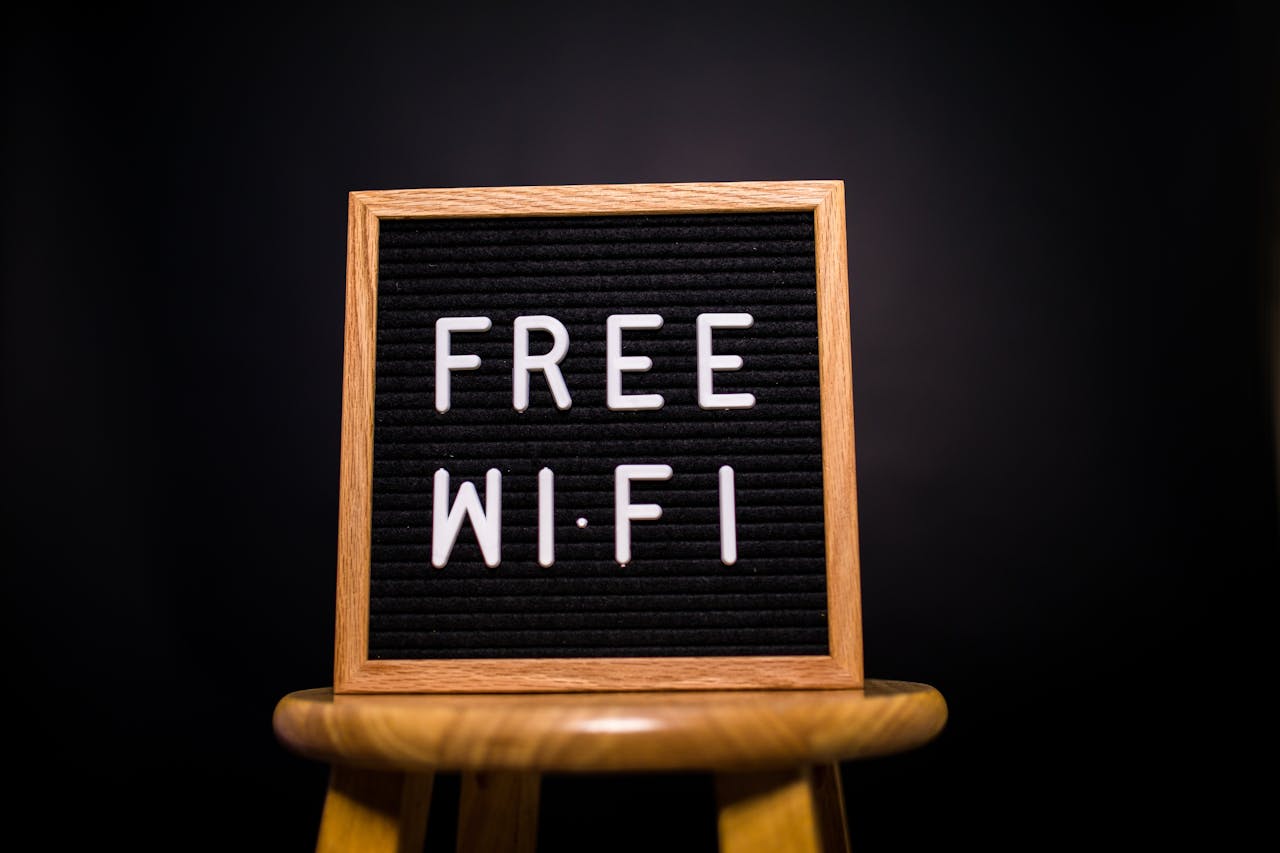
Scammers often target travelers because they are more likely to be unfamiliar with their surroundings and less cautious.
Phishing Scams
Be cautious of emails or messages that claim to be from travel companies, airlines, or hotels asking for personal information. Always verify the sender before clicking on any links or providing details.
Fake Wi-Fi networks
Cybercriminals sometimes set up fake Wi-Fi networks that appear legitimate but are designed to steal your data. Always confirm the correct network name with the staff at your location before connecting.
Skimming Devices
Be cautious when using ATMs or credit card readers in unfamiliar places. Skimming devices, which can steal your card information, are sometimes placed on these machines. Inspect the device for anything that looks out of place or use machines inside banks.
6. Use Secure Methods for Financial Transactions

Handling financial transactions while traveling requires extra caution to secure your money and financial information.
Use Contactless Payments
Use contactless payments or mobile wallets like Apple Pay or Google Wallet whenever possible. These methods are generally more secure than swiping your card, which can be susceptible to skimming.
Notify Your Bank
Tell your bank about your travel plans to avoid blocking your card due to suspicious activity. Ask them about travel-specific protections or options for using your cards abroad.
Monitor Your Accounts
Regularly check your bank and credit card accounts for any suspicious activity. If you notice any unauthorized transactions, report them immediately to your bank.
7. Backup Your Data
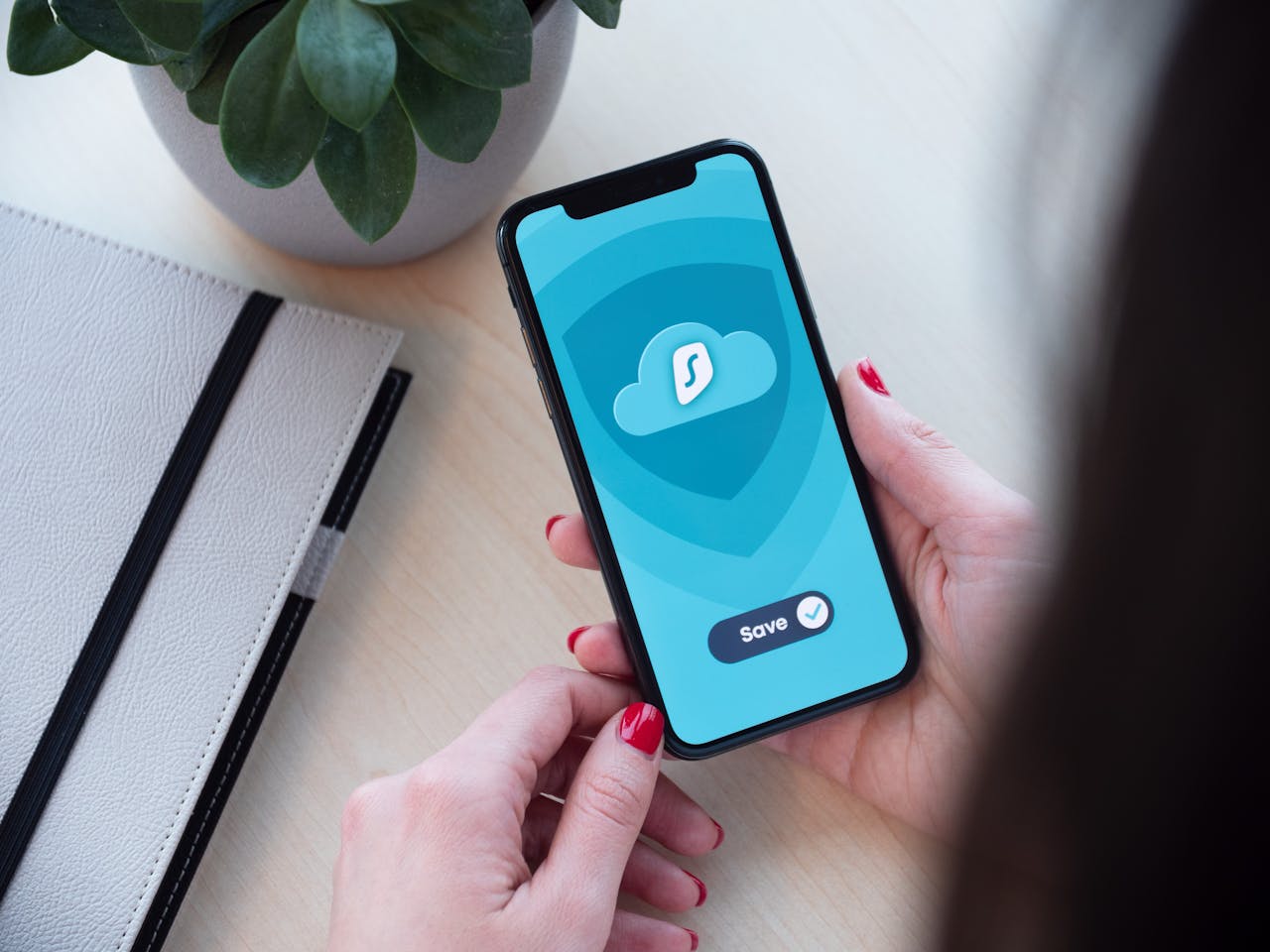
Losing your device or having it compromised can be disastrous, especially if you lose valuable photos, documents, or other important. Regular backups can save you a lot of stress.
Cloud Backup
Use a cloud service to automatically backup your photos, documents, and other important files. This ensures your data remains safe even if your device is lost or stolen.
External Backup
Consider bringing a portable external hard drive or USB drive to back up your data manually. Keep this backup separate from your devices to minimize the risk of losing everything at once.
8. Stay Updated on Travel Advisories and Local laws

Different countries have varying laws and regulations regarding internet use and digital privacy. Before you travel, familiarize yourself with the digital landscape of your destination.
Research Local Laws
Some countries have strict regulations on what you can access online, and violating these laws can result in fines or other penalties. Understanding these laws before you arrive can help you void unintentional legal trouble.
Check Travel Advisories
Stay informed about any travel advisories related to digital security. Government websites and travel blogs are good sources of up-to-date information.
Conclusion
Traveling should be an enjoyable and enriching experience, free of cyber threats. By following these digital safety tips, you can protect your devices, personal information, and finances, allowing you to focus on the adventure ahead.
Remember, digital safety is about being proactive. A few simple precautions can go a long way in ensuring that your travel memories are about your wonderful experiences, not the digital mishaps you encountered. So, pack your bags, secure your devices, and confidently explore the world.
Pin this post to save for your future travels!


